Scheduling and status
Let the job list tell you what needs attention.
The app opens to Prioritized Jobs, with filters for All, Today, Status, Estimates, Work, and Invoices. Today / Next Stop puts the next appointment at the top, while Status Updates catch stale jobs before they disappear.
Free plan
Free for your first 10 active customers. Then $29.99/month. One plan. Every feature included.
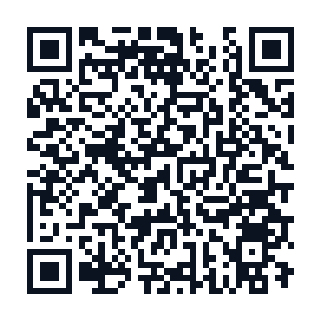
Get ClearJob on your iPhone
Scan the QR code, or text yourself the link.
Your phone number is used only to send this one download link.
Built for solo owners and small crews · Up to five users included
Download now for iPhone. Team features for up to five users are included. Android is coming soon.
Jobs screen — sample data
Built around the workflow you actually use.
Job rows use the same language you act on: Needs scheduling, Today, Ready to invoice, Estimate sent 4d ago, and Partial payment with the balance due. If a job needs cleanup, the Status Update sheet offers the right fix instead of making you hunt through menus.
Always know the next move.
Today / Next Stop and Status Updates tell you exactly what to do next.
Get ClearJob on your iPhone
Scan the QR code, or text yourself the link.
Your phone number is used only to send this one download link.
Built for solo owners and small crews · Up to five users included
Other contractor headaches ClearJob helps with
Communication
Requests, estimate times, ETA windows, estimates, invoices, and receipts stay attached to the job.
Collections
Invoice status, partial payments, remaining balances, and receipts stay visible until the job is paid.
Estimates
Build, review, send, revise, and accept estimates from the job thread while the visit is fresh.
Photos
Photos, files, notes, and customer replies stay in the timeline with the job they belong to.